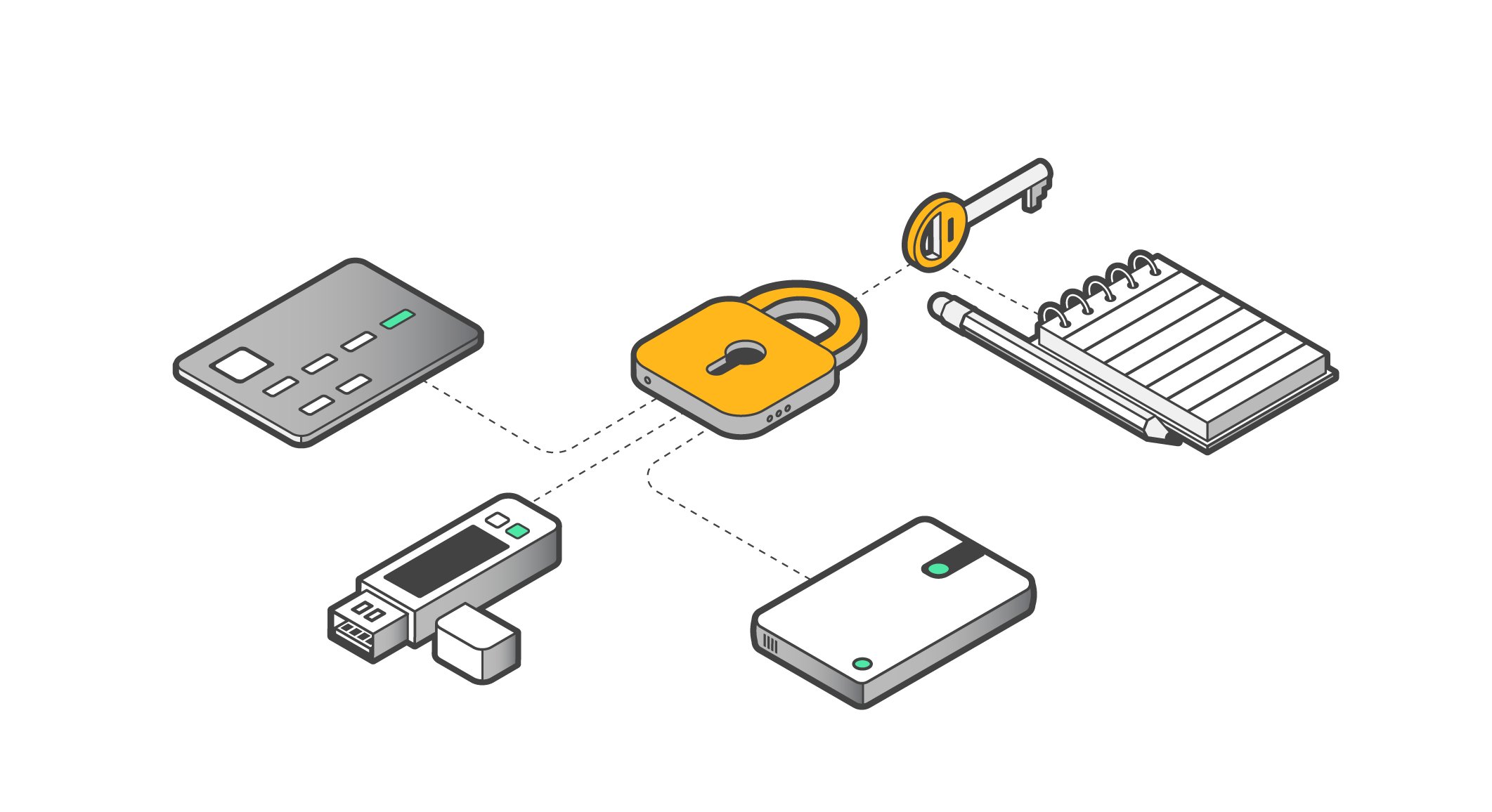
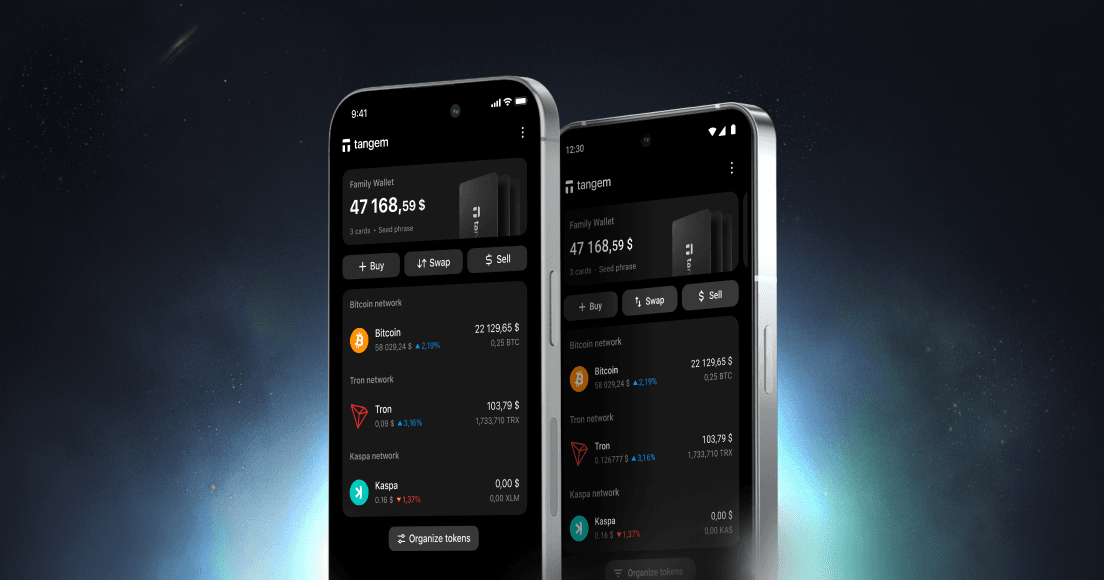
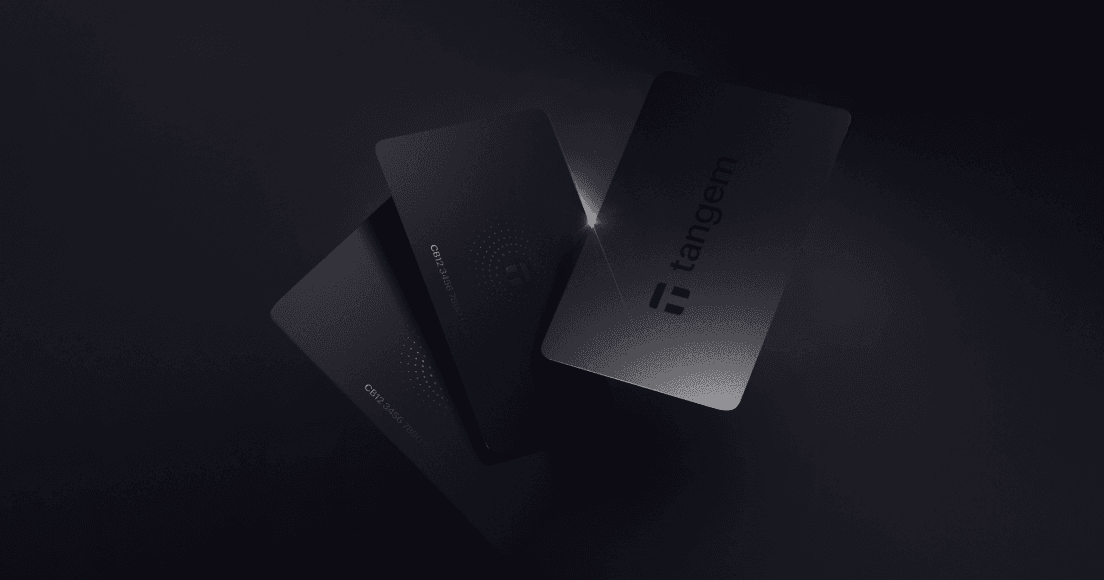
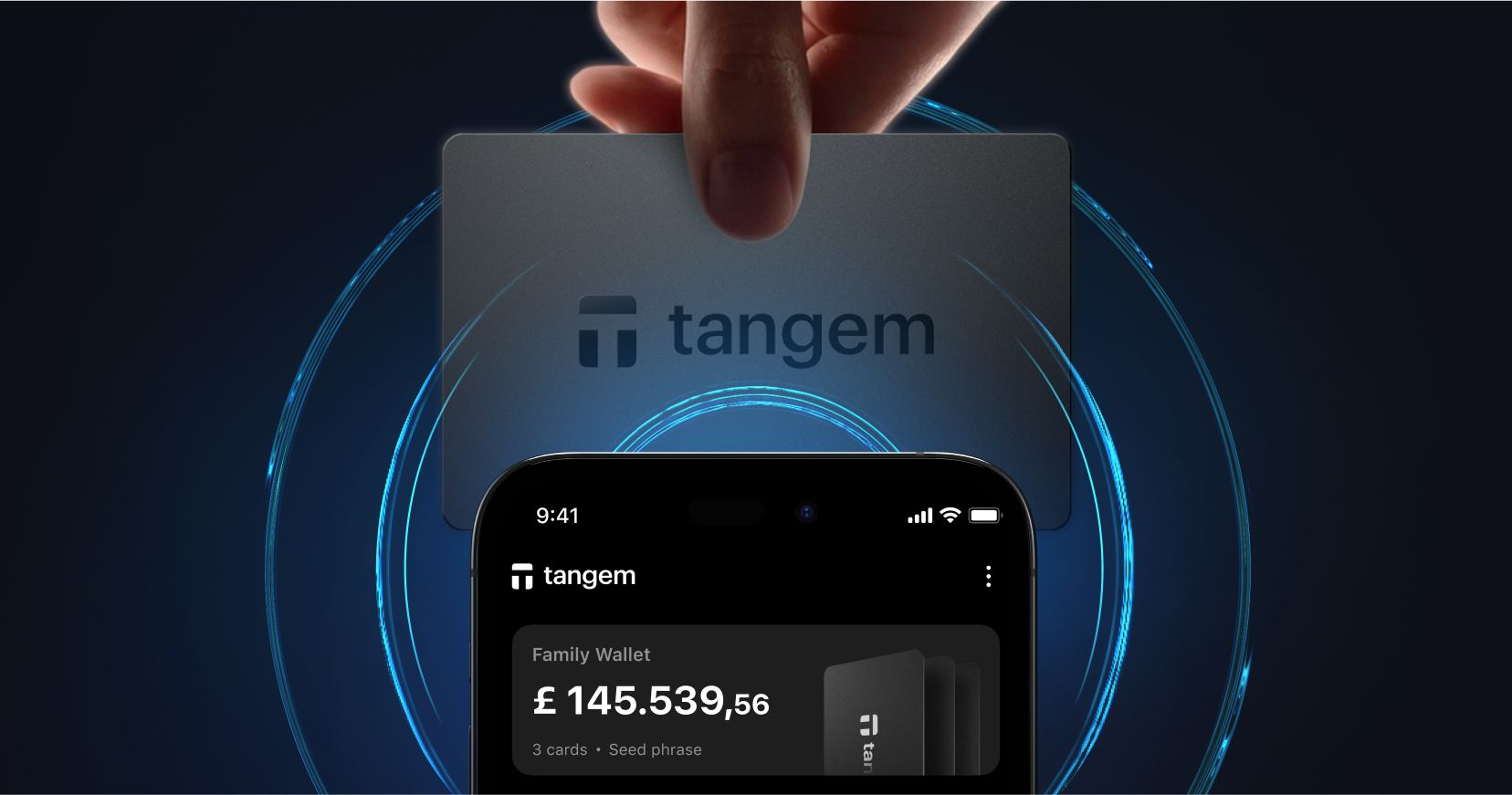
To ensure that you don’t lose access to your cryptocurrency in the event that your wallet is lost, you will need to back up your key by creating reserve copies. This is usually done using a seed phrase, but this is highly risky given that anybody who gets hold of the seed phrase can use it.
For this reason, Tangem Wallet offers a secure private key cloning technology. You can simply copy your private key to your second and third Tangem cards without worrying about one of them being lost or stolen. They are all protected by an access code that you provide after the backup procedure.
But is this backup method safe? Let's look at how it works in Tangem Wallet.
Creating a private key
Before activation, there is no private key (KPRIV on the diagram) in Tangem Wallet – it needs to be created first. This involves sending an activation command from the Tangem mobile application to the chip, which creates a new key based on the numerical sequence received from its own true random number generator (TRNG in the diagram). We covered this process in our previous article on How to create a private key for a crypto wallet with and without a seed phrase.
At the factory, each card creates its own key pair – Kpubcard and Kprivcard. The Kpubcard key is sent from the factory to Tangem, where it is signed with the manufacturer's private key. The resulting card certificate remains on the Tangem validation server. Also at the factory, the manufacturer's public key and a fixed key are written to the card.
When the user activates the card, the chip generates and remembers a pair of keys – private key KPRIV and public key KPUB. The chip sends the public key to the mobile application when the wallet user enters the correct access code, so that the mobile application can show the user how much of which cryptocurrencies they have. The chip does not tell anyone the private key.
Backing up a private key
Finally, you agreed to the Tangem app's persuasions and decided to create a backup of the key. The activated card creates another pair of one-time keys for communication – Kpublink and Kprivlink. Then this card sends its public key Kpubcard and public key for communication Kpublink to the second card. The mobile application requests the certificate from the first card from the validation server and also forwards it to the second card.
The second card checks Kpubcard with the received certificate, and the certificate itself is checked using the public key of the manufacturer "stitched" in it at the factory. If both checks pass, it means that the first card is genuine. After that, the second card also generates a pair of one-time keys for communication and sends the public key for communication and its own public key to the first card. Upon receiving all this, the first card verifies the authenticity of the second one.
And now the magic of the Diffie-Hellman algorithm begins. Each card at this stage has its one-time private key for communication Kprivlink, one-time public key for communication Kpublink of the other card, as well as a fixed key common to all cards. From these three components, each card calculates a one-time symmetric key for backup, which turns out to be the same for both cards – since in each key pair the private and public keys are mathematically related.
In case an attacker manages to eavesdrop on the exchange between cards, he will be able to steal the public keys for communication of both cards, but the private keys for communication cards are not transmitted anywhere, and without them it is impossible to generate a key for backup. And there is also a fixed key, which is also necessary for creating a key for backup – and it never gets transmitted anywhere either.
The resulting symmetric key for backup is used by the first card to encrypt the user's private key and the user-defined access code for the card, and passes it to the second card, which decrypts all of it with the same symmetric key for backup. If at this moment the attacker manages to intercept the parcel, it will give him nothing – he does not know the symmetric key for backup and will not be able to decrypt the parcel. Moreover, if Tangem itself decides to peek into the parcel and steals it through the mobile application, nothing will work here either, because the symmetric key for each backup is different, and for its calculation you need Kprivcard and Kprivlink of one of the cards, and they are created inside the chip and are never transmitted anywhere.
When backing up to the third card, the whole procedure is exactly the same – in this case, the one-time keys for communication are already different, and the symmetrical key for backup will also turn out to be different than when backing up to the second card.
The Tangem chip firmware is designed to perform one backup. That is, after either giving or receiving the private key once, the chip will no longer agree to participate in the backup procedure. Therefore, the private key becomes non-extractable from all three cards – even Tangem does not know a way to extract it.
Of course, if you carry out a factory reset on your Tangem wallet, the chip will forget KPRIV and KPUB, and you will be able to reactivate the wallet, generating a new key and creating a backup. The old key will, however, be destroyed after the reset.
Limited-Time Offer
20% OFF + up to $20 in BTC 🛍️
Selected Wallets
Ends March 16
 + Up to $20 in BTC till Apr 6