Your crypto journey shouldn't force you to choose between security and simplicity. This is how Tangem is breaking that barrier.
Here's the uncomfortable truth: most crypto users recognize the importance of controlling their own assets, but when faced with the complexity of seed phrases, understanding blockchain transactions, and the relatively small cost of acquiring a hardware wallet, they often retreat to the comfort of centralized exchanges.
It is true that if you don't hold the private keys, you don't own the crypto, but handing newbies keys to their crypto when they're yet to learn the ABC of security and management, can lead to disaster. At Tangem, we're changing that narrative.
Self-custody is not a destination; it's a journey. And every journey needs an appropriate starting point.
We've created a flexible entry point that grows with you. This isn't about dumbing down security. It's about recognizing that a college student holding $200 in crypto has different needs than an investor protecting six-figure holdings. Both deserve self-custody. Neither should be overwhelmed or under-protected.
What is the Mobile Wallet?
The Tangem mobile wallet represents the democratization of self-custody. It's your chance to test the waters without committing to hardware you don't need yet.
How the Tangem Mobile Wallet Works
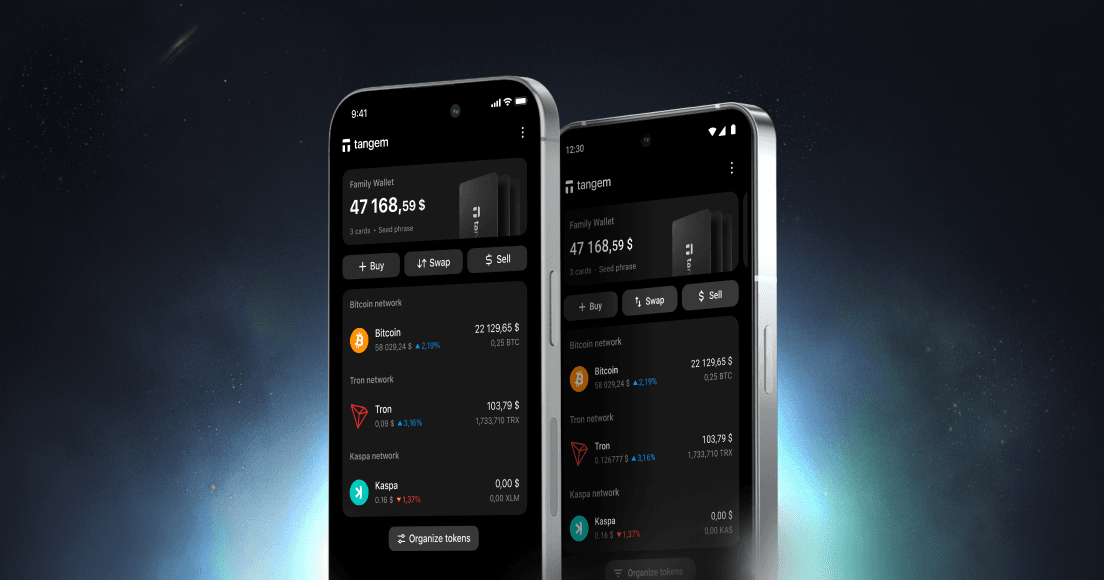
The Tangem Mobile Wallet lives inside the Tangem App on your smartphone. It leverages your phone’s built-in Secure Enclave (on iOS) or Android Keystore.
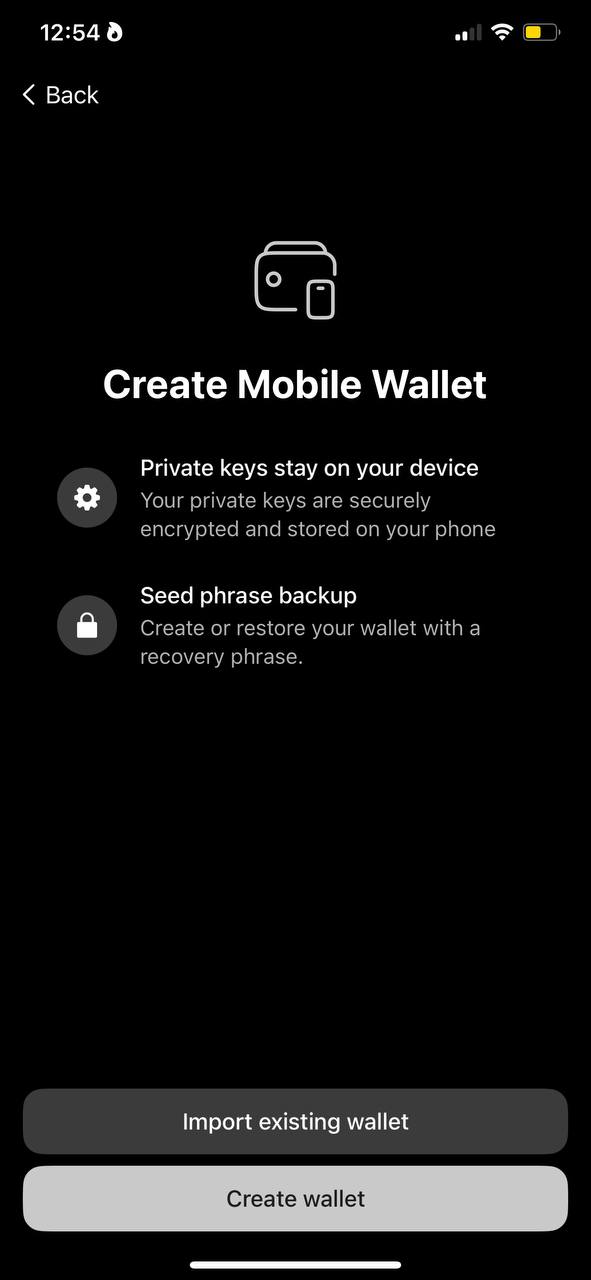
When you tapCreate wallet, the app generates cryptographic private keys and stores them directly in your phone's secure hardware environment. On iOS devices, this means the Secure Enclave, while Android uses the Keystore system.
These are hardware-isolated storage areas that provide encryption and protection for sensitive data. The private keys exist and function usually, allowing you to receive, send, and swap tokens, but they're managed entirely by your device's operating system security rather than being protected by a seed phrase that you control. This is why the mobile wallet works immediately without additional authentication steps.
The critical thing to understand is that these initial keys have no backup mechanism. They exist only on your device, encrypted and stored in secure hardware. You can send, receive, swap, and manage tokens, but if you lose your phone, break it, or uninstall the app, those keys could be permanently lost along with any funds they control.
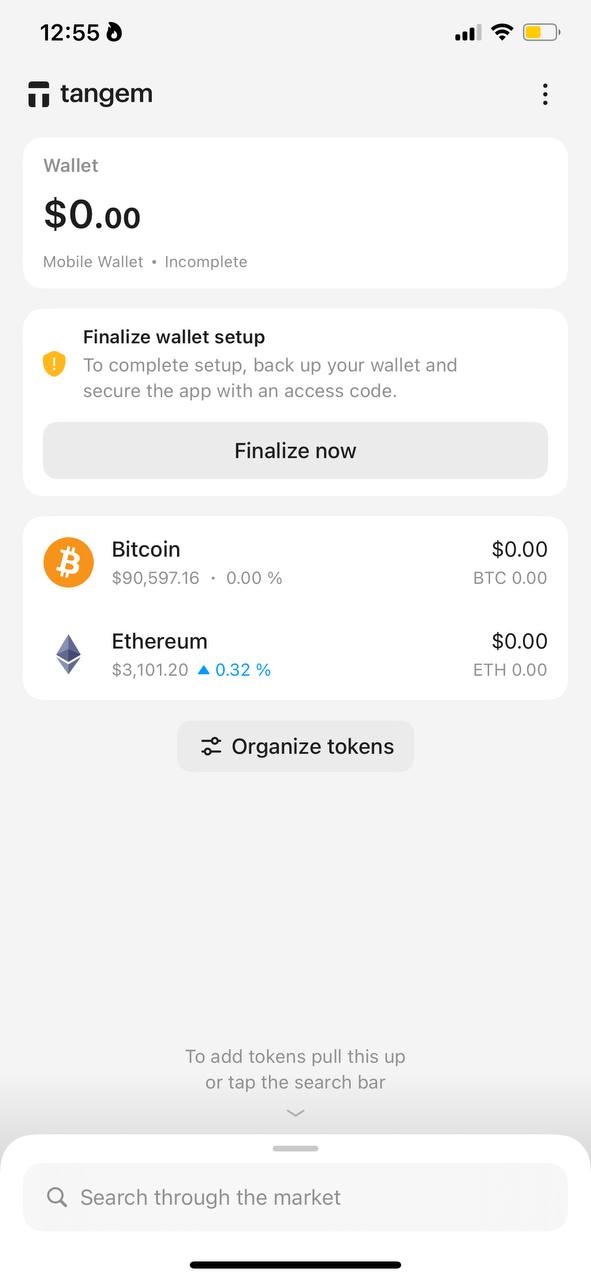
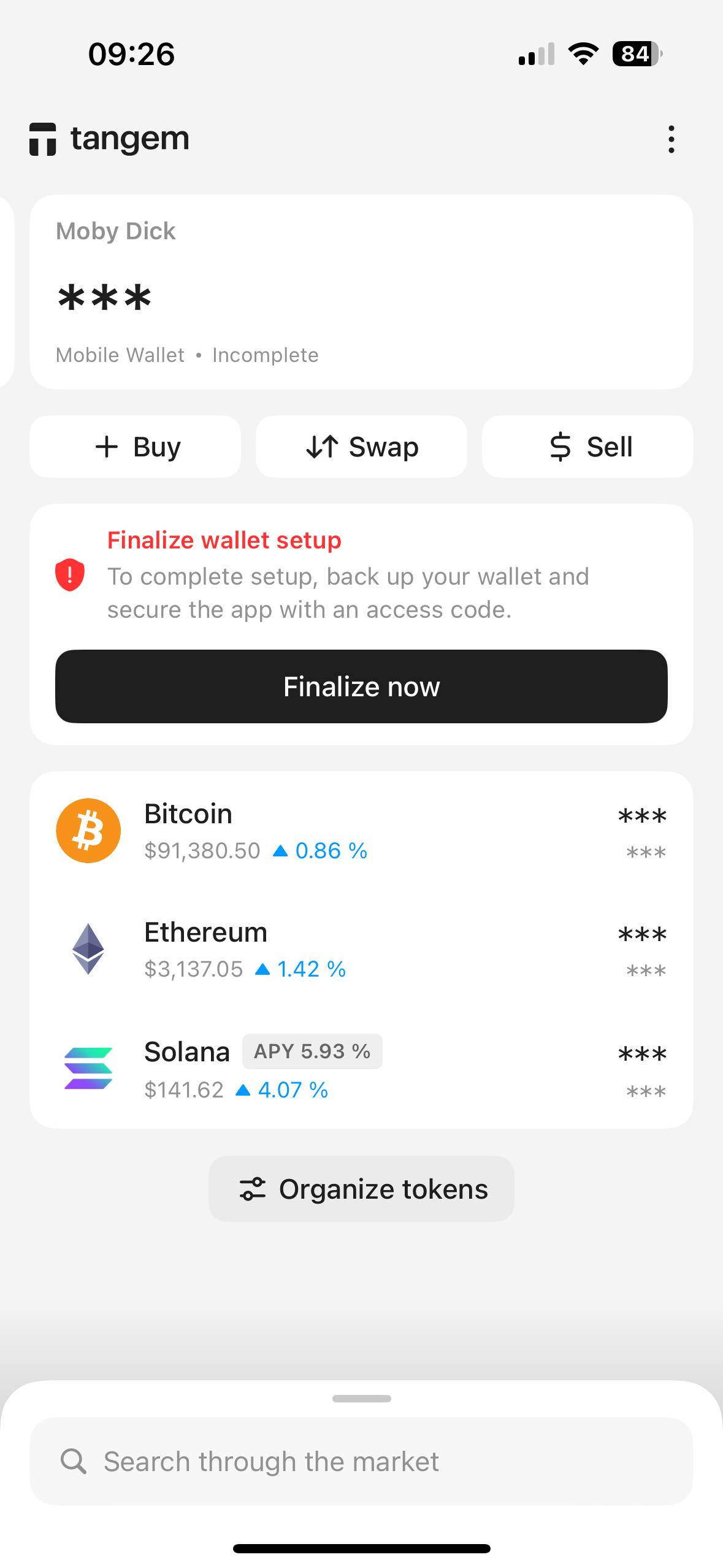
This is quite risky, which is why the app prompts you to finalize wallet setup. When you finally decide to back up your wallet by generating a seed phrase, something interesting happens behind the scenes.
How the mobile wallet does backups
Since cryptographic derivation only works in one direction, you can generate private keys from a seed phrase, but you cannot reverse-engineer a seed phrase from a private key. A private key is just a 256-bit random number, while a seed phrase is a specific format designed to deterministically generate keys through standards like BIP39 and BIP32.
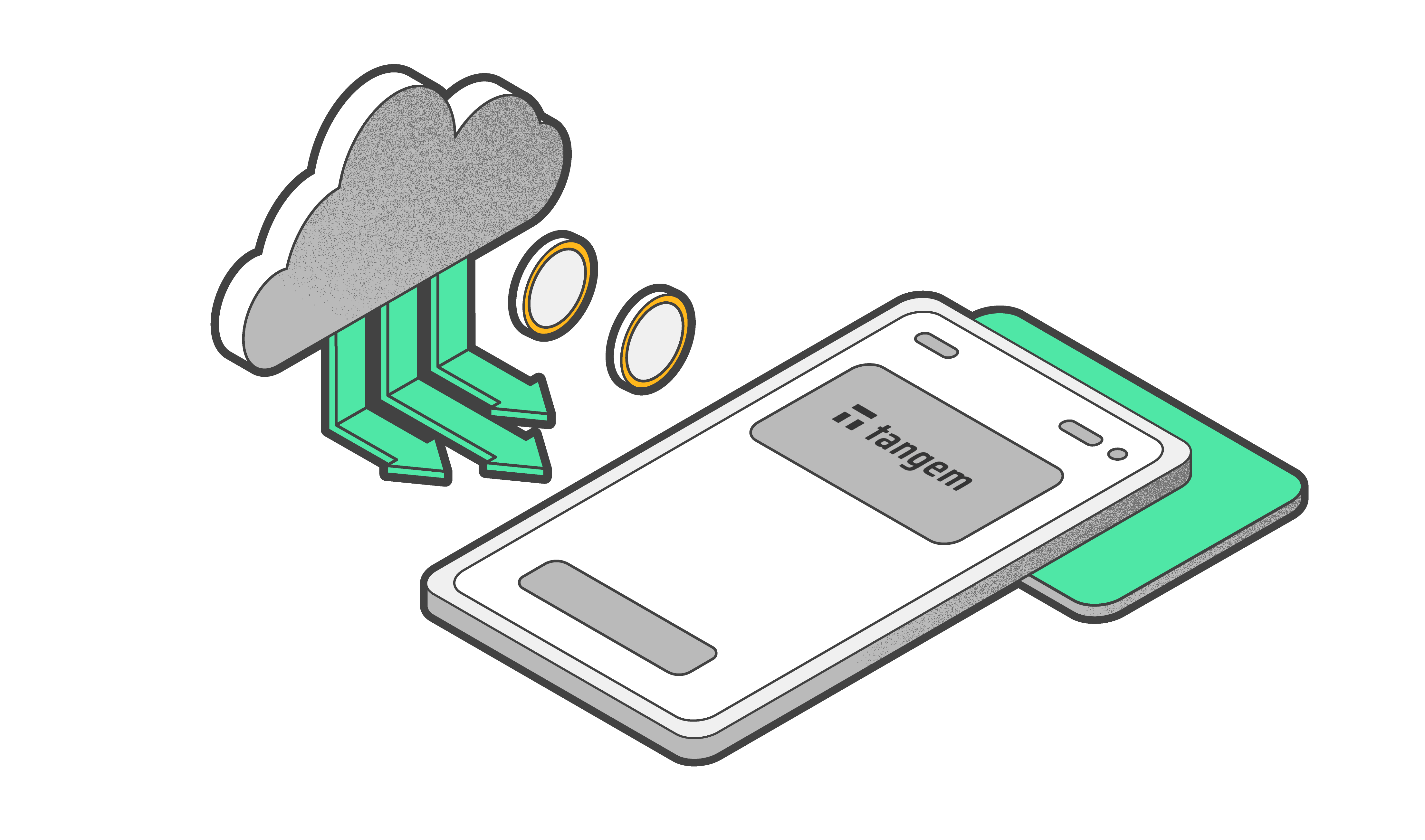
What the app actually does is create an entirely new wallet. It generates a fresh random seed phrase, derives a new set of private keys from that phrase, and then transfers all your assets from the old device-stored keys to the new seed-phrase-backed keys.
Once the migration is complete, the app shows you the seed phrase to write down and deletes the old keys. From that point forward, you're using a properly backed-up hierarchical deterministic wallet that can be recovered on any device using your seed phrase.
Further protection is also enabled by a 6-digit access code and biometric authentication like Face ID or Touch ID.
An inevitable upgrade to hardware protection
As your crypto holdings grow, so does your responsibility to protect them. And to be honest, seed phrases are a disaster waiting to happen for most users.
Billions of dollars in cryptocurrency are permanently lost due to misplaced or damaged seed phrase backups. Also, writing down 12-24 words on paper and hiding them isn't sophisticated security because every user with a seed phrase lives with low-level stress about whether their backup is truly secure. This is where the Tangem hardware wallet becomes not just useful, but essential.
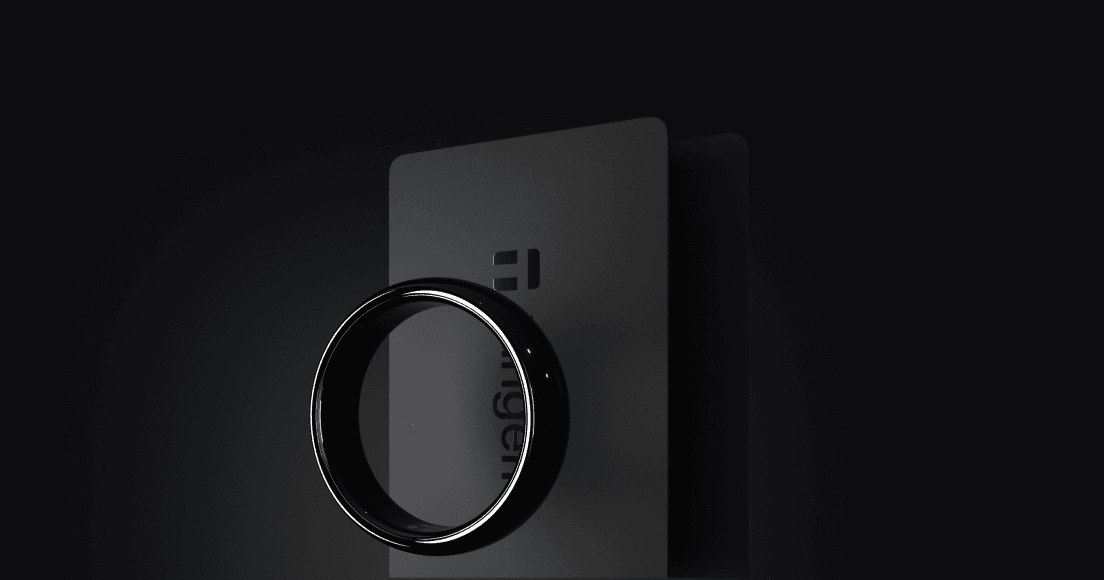
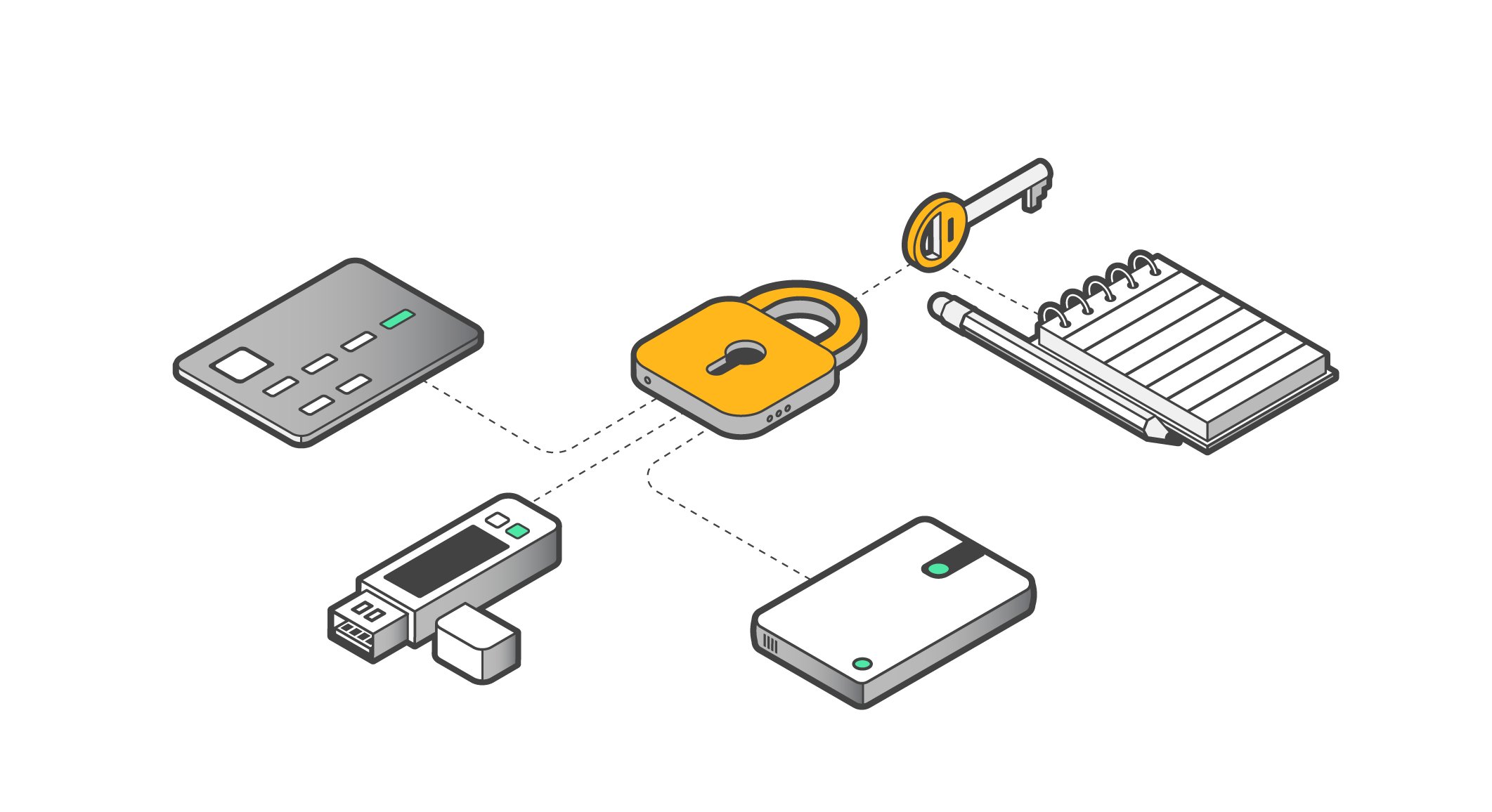
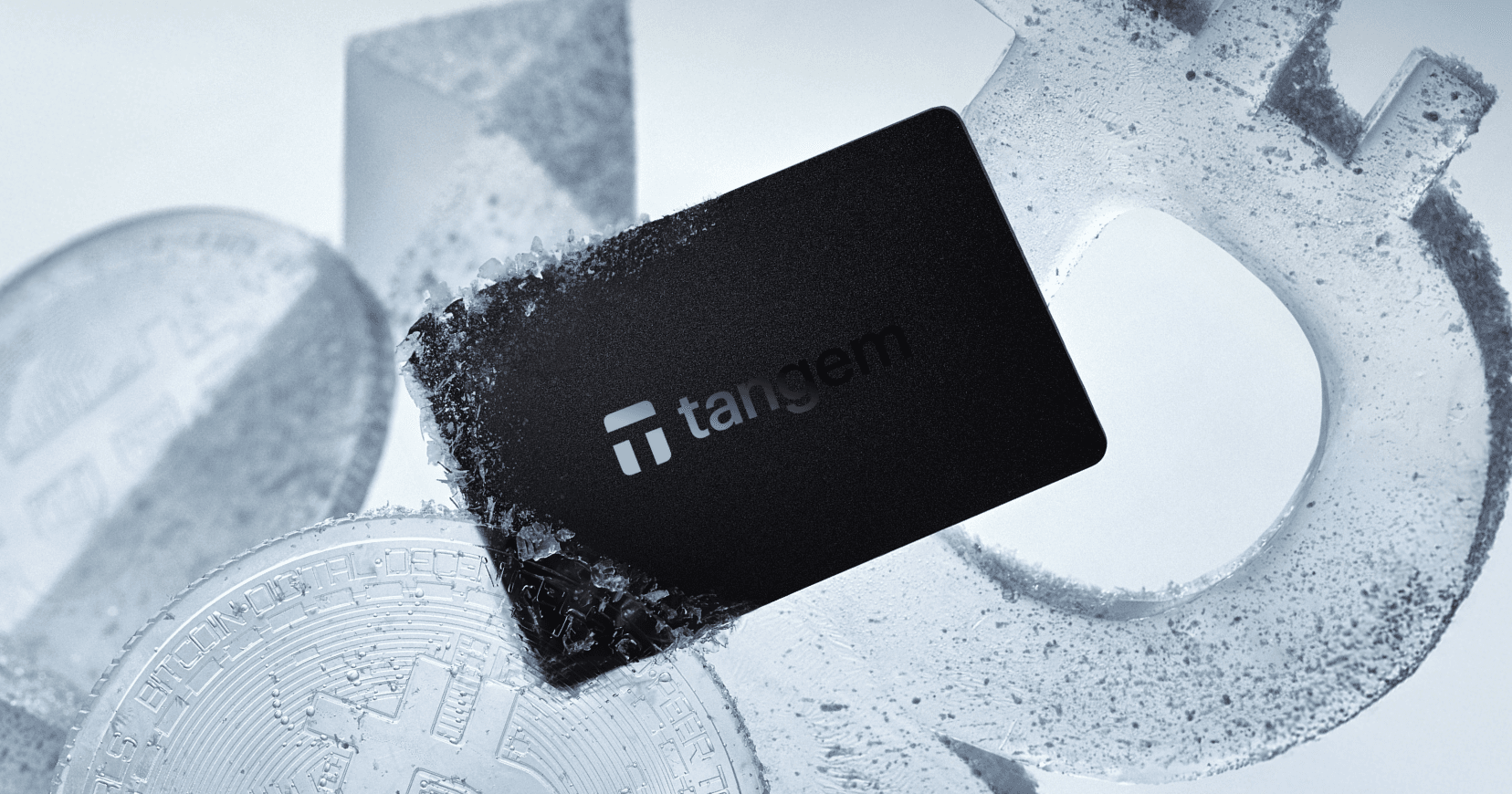
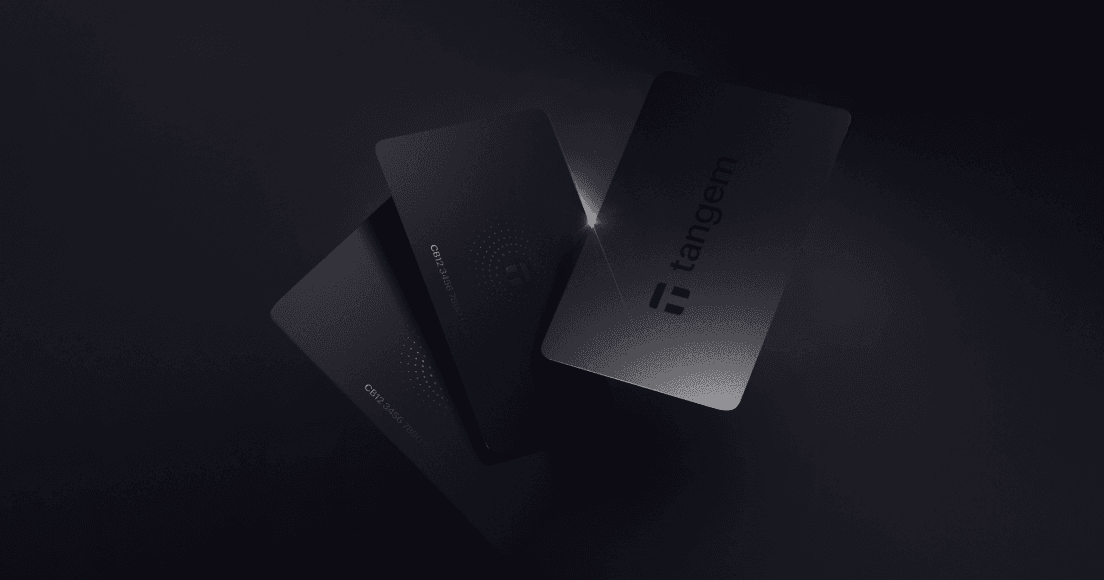
With our hardware wallet, your private keys live on dedicated, air-gapped hardware that fits in your finger or slips into your credit-card purse.
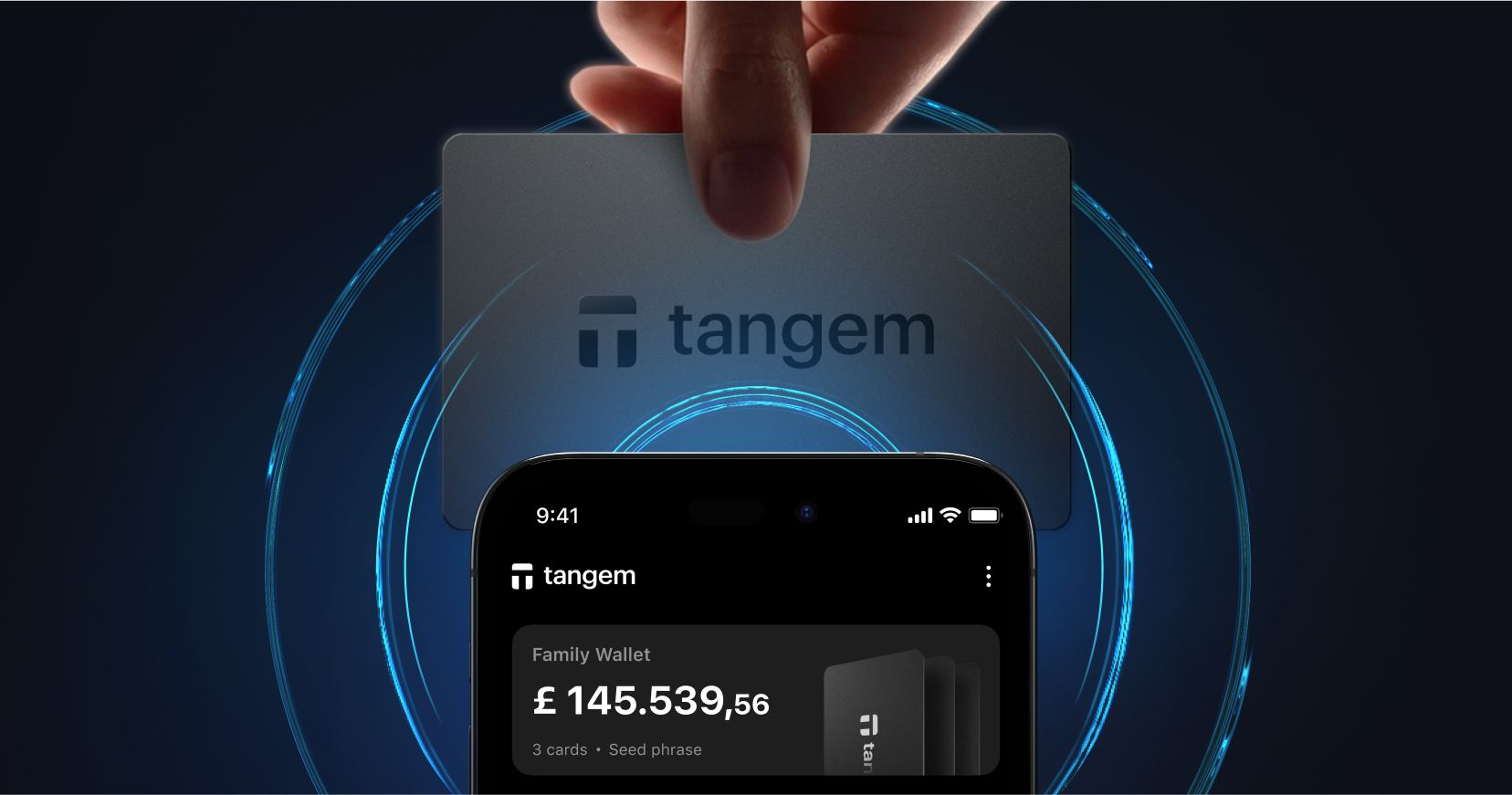
It has no USB ports, no batteries, or screens to break. Tap your card to your phone and transact securely. We've also addressed the seed phrase problem with the multi-card backup system, eliminating single points of failure.
The best part is that the upgrade doesn't mean you're not abandoning your mobile setup; you're simply enhancing it.
Same ecosystem, same interface, just hardened security when you need it.
Learning While Protected
The mobile-to-hardware pathway creates a safe learning environment where mistakes don't result in costly consequences.
You can:
Understand transaction mechanics with small amounts
Experience the responsibility of key ownership
Build operational security habits
Graduate to hardware protection with confidence
This is how we build a generation of crypto users who truly understand what they're doing, not just following tutorials they don't comprehend.
The bigger picture
Crypto's promise has always been about returning control to individuals. Not everyone comes to crypto from a technical background. Not everyone has significant capital to protect from day one. Not everyone wants to manage seed phrases and hardware devices before they've even bought their first token.
By meeting users where they are and providing clear pathways forward, we are building for humans, not just for early adopters.
FAQs
If I start with the mobile wallet, do I have to buy hardware later?
No, you're never forced to upgrade. The mobile wallet provides full self-custody functionality. The hardware option is available for users who require enhanced security for larger holdings or long-term storage, but it's entirely optional.
How difficult is it to transition from mobile to a hardware wallet?
The transition is seamless within the Tangem ecosystem. You can add a Tangem card to your existing wallet at any time without needing to migrate assets or learn a new interface. The same app works with both mobile and hardware wallets.
Can I use both mobile and hardware simultaneously?
Yes. Many users keep a Tangem card for larger holdings while using the mobile wallet for smaller, everyday transactions. You can manage multiple wallets within the same app and switch between them as needed.
What's the price difference between mobile-only and adding hardware?
The mobile wallet is free to set up and use. Tangem hardware cards are sold as physical products (typically 2-3 cards per set). Visit the homepage for current pricing.
Is a mobile wallet less secure than hardware?
Mobile wallets and hardware wallets serve different security models. Hardware wallets provide "cold storage," your keys never connect to the internet. The Mobile wallet is a hot wallet with a different risk profile.
Can Tangem itself access my funds on the mobile wallet?
No. Tangem has zero knowledge of your private keys. The keys are generated locally and stored in your smartphone's secure environment. Tangem cannot access, recover, or freeze your assets. True self-custody means you, and only you, control your crypto.
Limited-Time Offer
20% OFF + up to $20 in BTC 🛍️
Selected Wallets
Ends March 16
 + Up to $20 in BTC till Apr 6